# Masked Overlay Block.
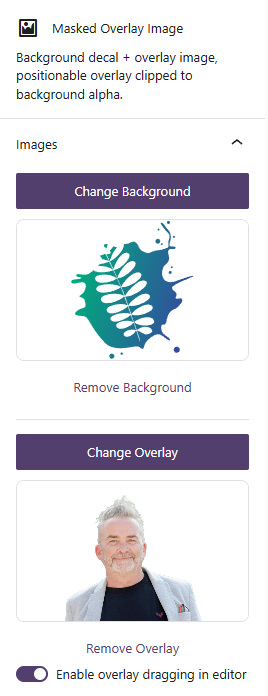
A custom Gutenberg block to position an image over a .png or .svg background image and have the overlaid image crop to the outline of the background image.
## The brief
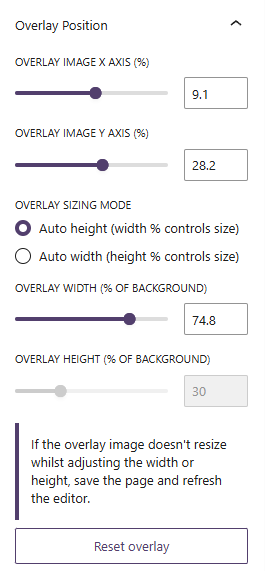
We wanted a quick way to create images like this so that the inner image could be easily added and repositioned without needing to create the image in Photoshop and export it every time we wanted to make a change. The block allows for any .png or .svg image to be used as the background image, and any .png image to be used as the overlaid image. The overlaid image is then 'cropped' to the outline of the background image using a mask, and can be repositioned with simple x and y offset settings within Gutenberg or by dragging the inner image with the mouse.
## Scope
- [x] Allow for easy swapping of the background and overlaid images
- [x] Maintain aspect ratio and positioning of the background image regardless of the size of the overlaid image
- [x] Work with multiple of these blocks on the same page without conflicts
## Placeholder tech title
Placeholder — update with a technical highlight.